
Foliage Engine Tests and Village House Updates
- Kelly Clayton
- Jun 17, 2022
- 2 min read

Starting in Photoshop I made an alpha for the leaves and then added them to a rough trunk shape in Maya. I wanted to test out what it would look like if I used a textured brush in Photoshop to create the alpha

Then I added it to a new level in UE4.

I need the strokes to be closer together to make it look better and more full.
Next to grass. Again I just made the alpha in photoshop and intersected the cards in Maya, same process as the leaves. And added subdivisons.

Then added it to the tree scene -

This grass looks good and would benefit from colourful flower foliage - red, light purple and white.
---
Stylised Rocks
Made these rocks in Zbrush > Maya > Substance Painter

Each side looks different so can be used multiple times. I would like to go in and add more colour on top of this work with a brush because I feel like it's missing something.
Here it is in the tree/grass UE4 Scene -

---
Moving onto the Village House look development. Here is the

And here is the blockout where it was used -
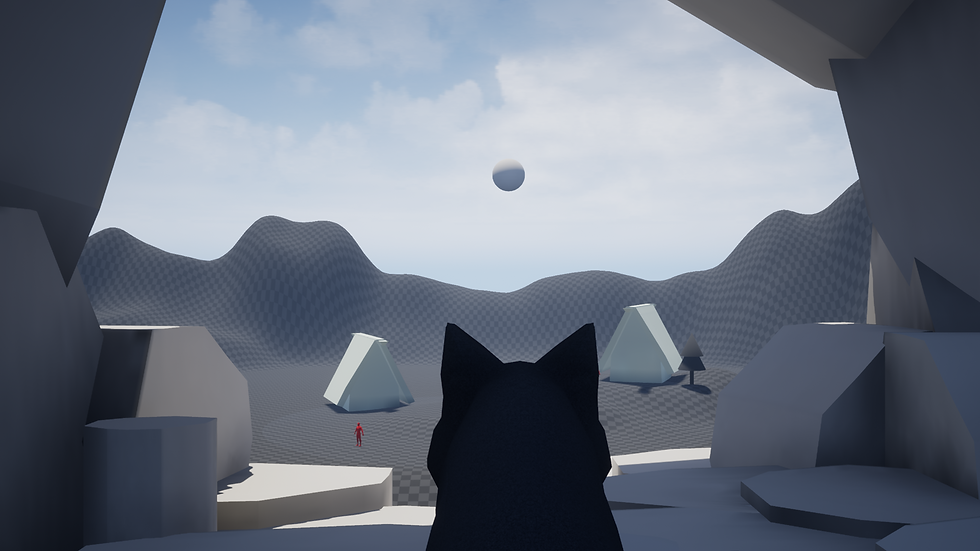
This helped to have a rough idea of where I am positioning the assets before I refine them.
I collected these references, then started refining the house asset.


And now have this version of the house in Maya -

A lot of the detail will come in on the texturing phase.
A mixed method of trims and tileables in Substance Paint and Designer will work best for this asset.

Futher development could include -

My next steps are to bring the house into Zbrush to add some details to the wooden parts, make and texture the house, make flowers and start engine implementation of the full scene.


Comments